
Mastering Advanced Excel: A Comprehensive Course Overview
Introduction to Advanced Excel
Excel is no longer just a basic spreadsheet tool. In 2026, it has become a powerful platform for data analysis, reporting, and business decision-making across industries. From finance and marketing to operations and analytics, advanced Excel skills remain one of the most in-demand competencies for professionals.
Mastering Advanced Excel can significantly improve productivity, enhance analytical thinking, and open doors to better career opportunities. This Advanced Excel course is designed to take learners beyond the basics and build strong, real-world Excel expertise.
Key Features of the Course
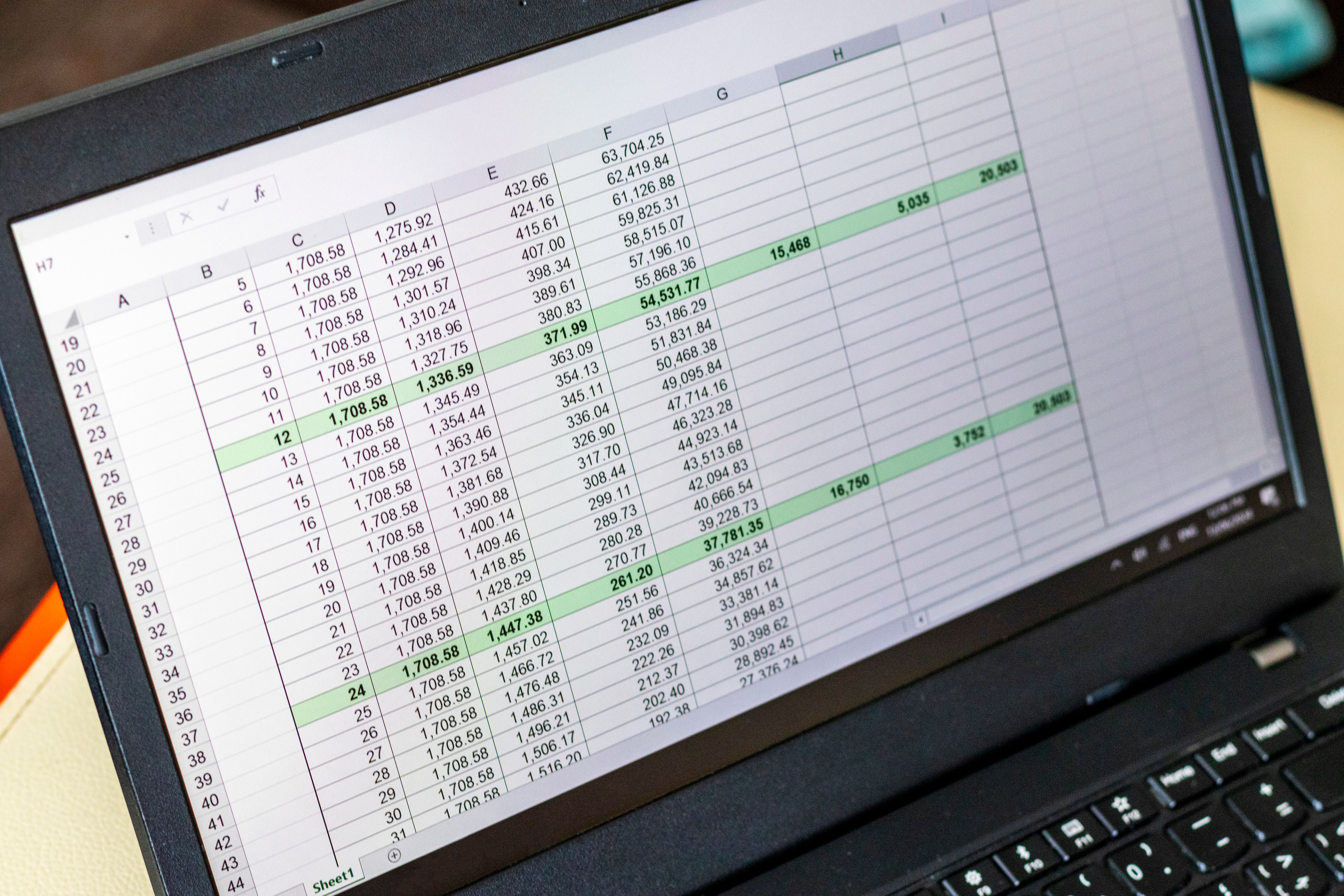
Our advanced Excel course covers a wide range of topics designed to provide you with a robust understanding of Excel’s capabilities. Below are some of the key features:
- Detailed tutorials on formulas and functions
- Data visualisation techniques using charts and graphs
- Automation using Macros and VBA
- Data analysis with PivotTables and Power Query
Formulas and Functions
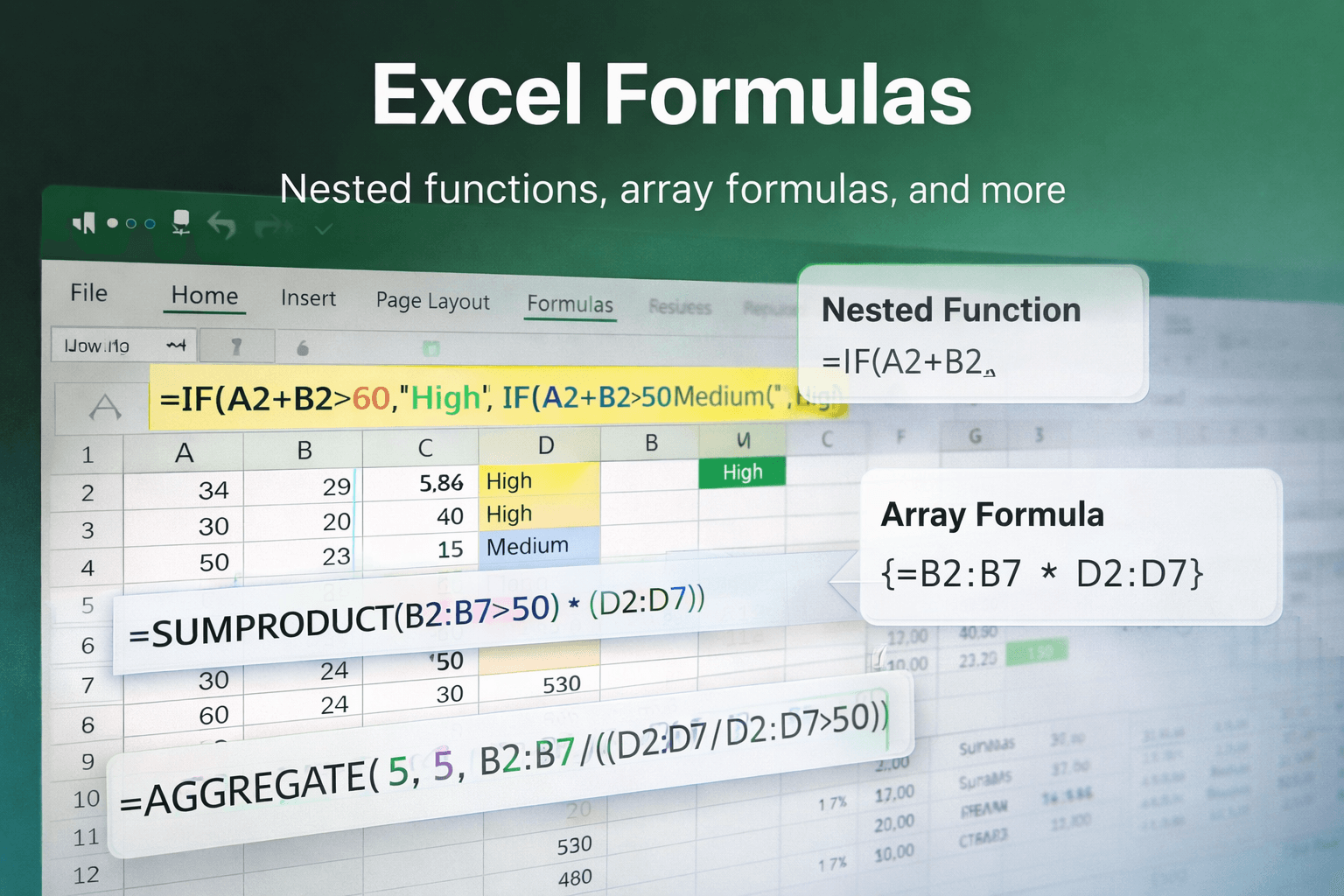
One of the most powerful aspects of Excel is its vast library of formulas and functions. This course will guide you through complex formulas and demonstrate how to utilise them effectively. You'll learn about nested functions, array formulas, and more, enabling you to perform calculations that go beyond basic arithmetic.
Data Visualization
Data visualisation plays a critical role in transforming raw data into meaningful insights. This module teaches you how to design clear, impactful charts and dashboards that help stakeholders quickly understand trends and patterns.
You will learn to create:
- Bar and column charts
- Line and area charts
- Pie and Donut charts
- Scatter and combination charts
Best practices for dashboard design and visual storytelling are also covered.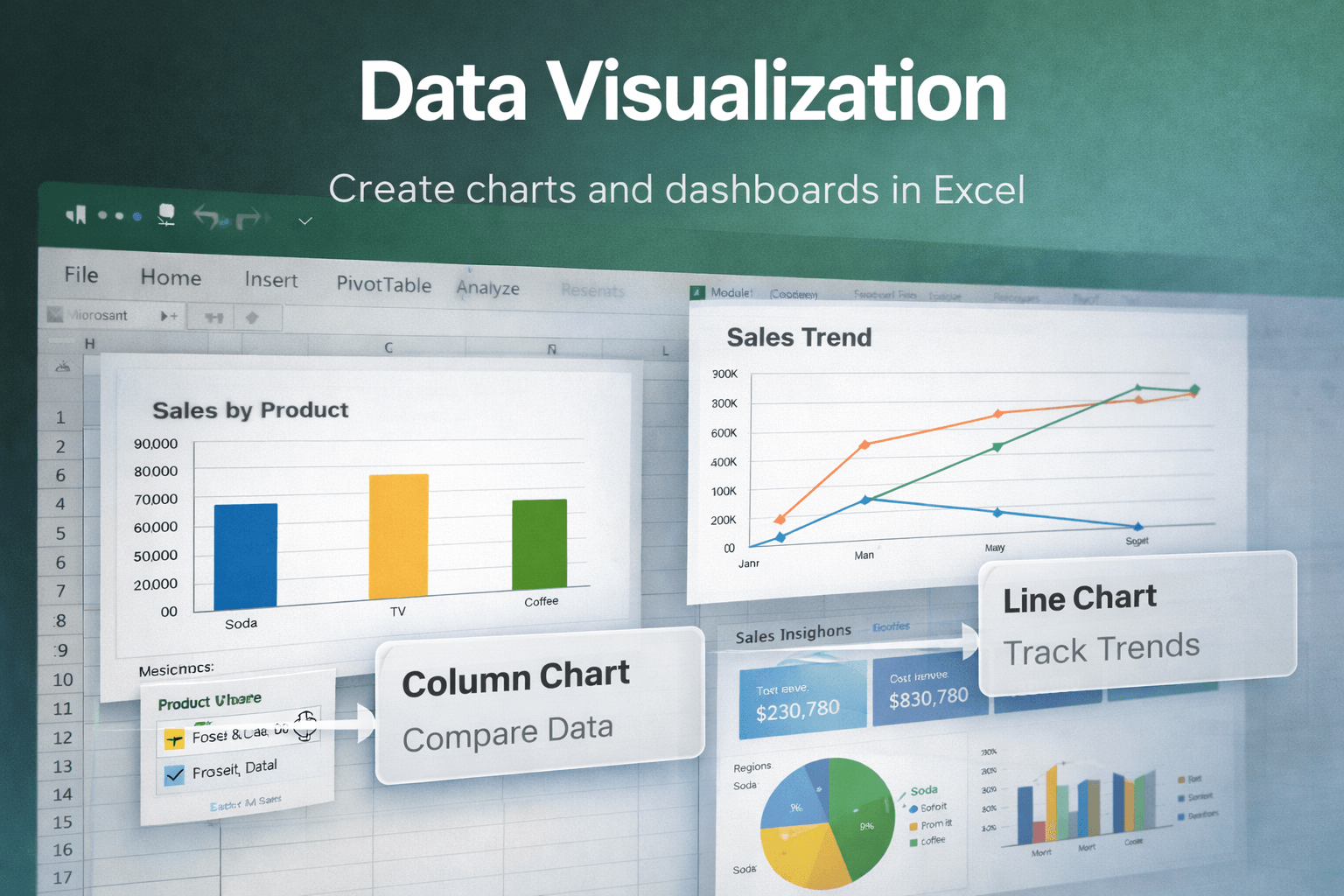
Automation with Macros and VBA
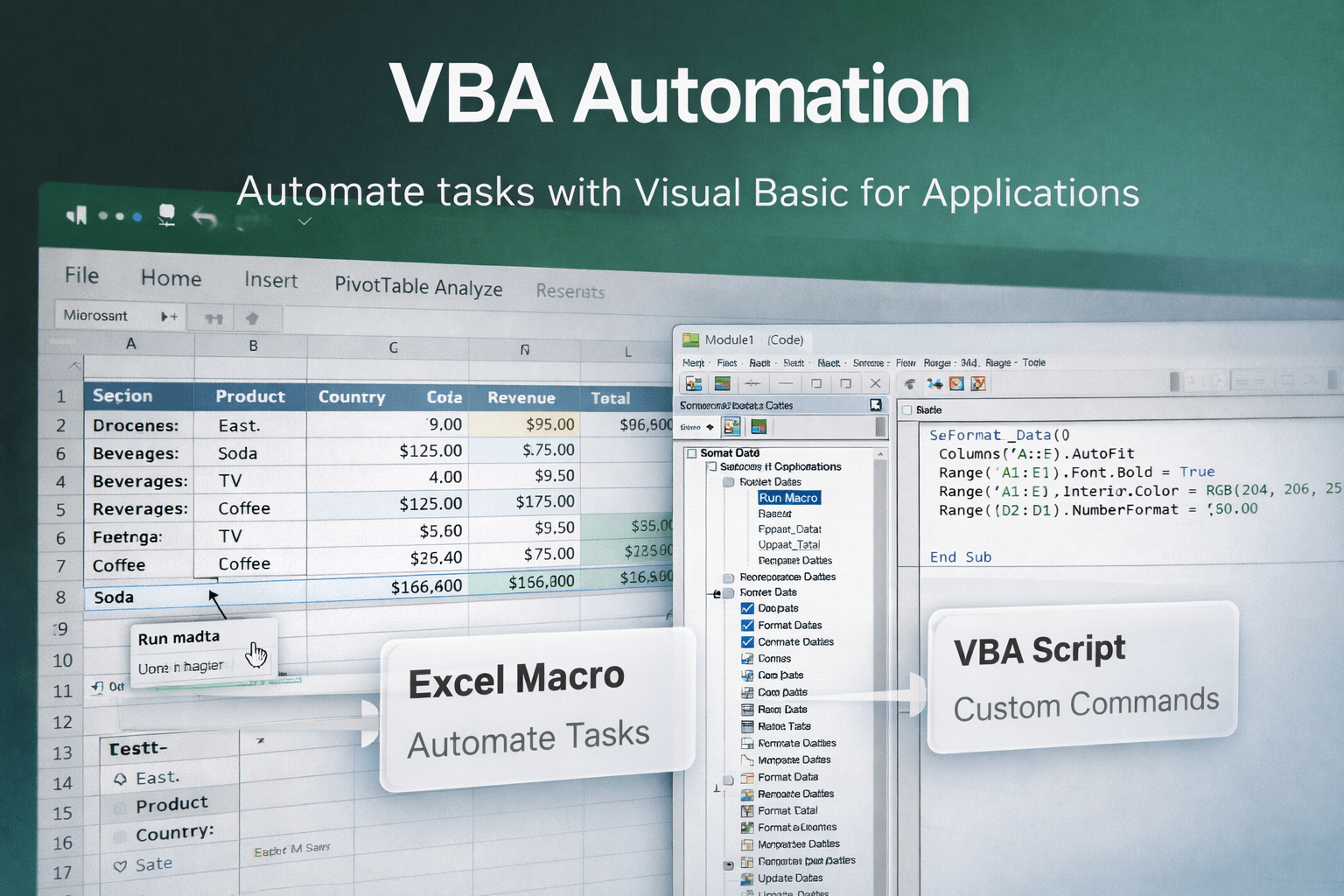
Automation is a game-changer when it comes to saving time and reducing errors. This course includes a comprehensive module on creating macros and using Visual Basic for Applications (VBA) to automate repetitive tasks. By the end of this module, you'll be able to automate data entry, formatting, and even complex calculations.
Data Analysis Techniques
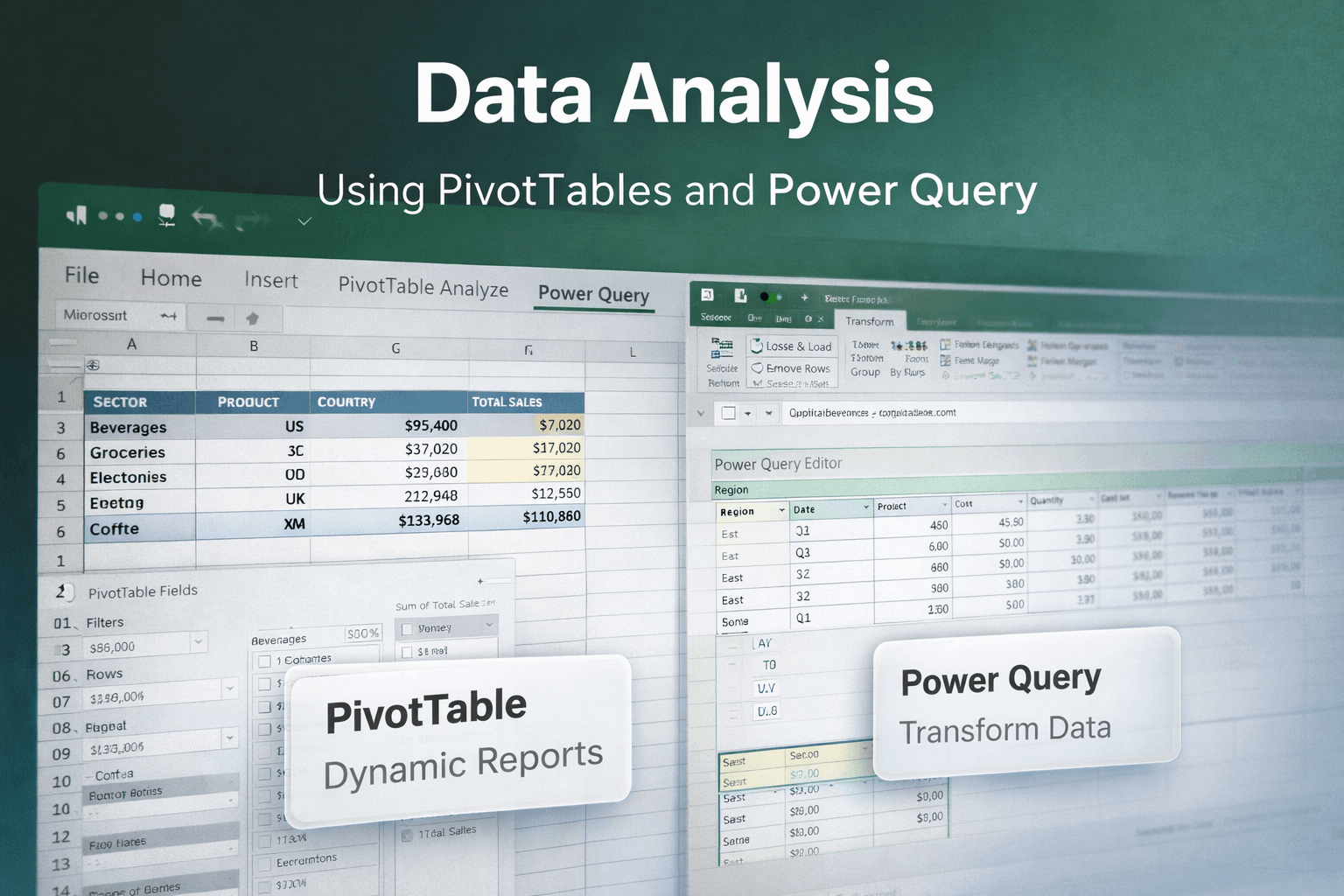
Data analysis is at the core of Excel’s advanced capabilities. This section focuses on analysing large datasets efficiently using PivotTables and Power Query.
You will learn how to:
- Clean and transform data
- Filter, sort, and summarise datasets
- Build dynamic PivotTables
- Refresh and manage data connections
These skills are essential for roles involving reporting, analytics, and decision support.
Who Should Enrol?
This Advanced Excel course is ideal for:
- Working professionals
- Data analysts and business analysts
- Finance, HR, and marketing professionals
- Graduates and students with basic Excel knowledge
If your role involves data handling, reporting, or analysis, this course will significantly enhance your skill set.
Conclusion
Advanced Excel skills are a long-term investment in your career. With the increasing demand for data-driven professionals, mastering Excel at an advanced level can set you apart in the job market.
This course provides practical, industry-relevant training that enables you to confidently handle complex data challenges and improve workplace efficiency.
Looking for structured Excel training with real-world projects and career guidance? QuantaEra’s Advanced Excel program is designed to build job-ready analytical skills.
Click here to Apply